Find photography courses across the UK to learn new skill and enjoy the world of photography

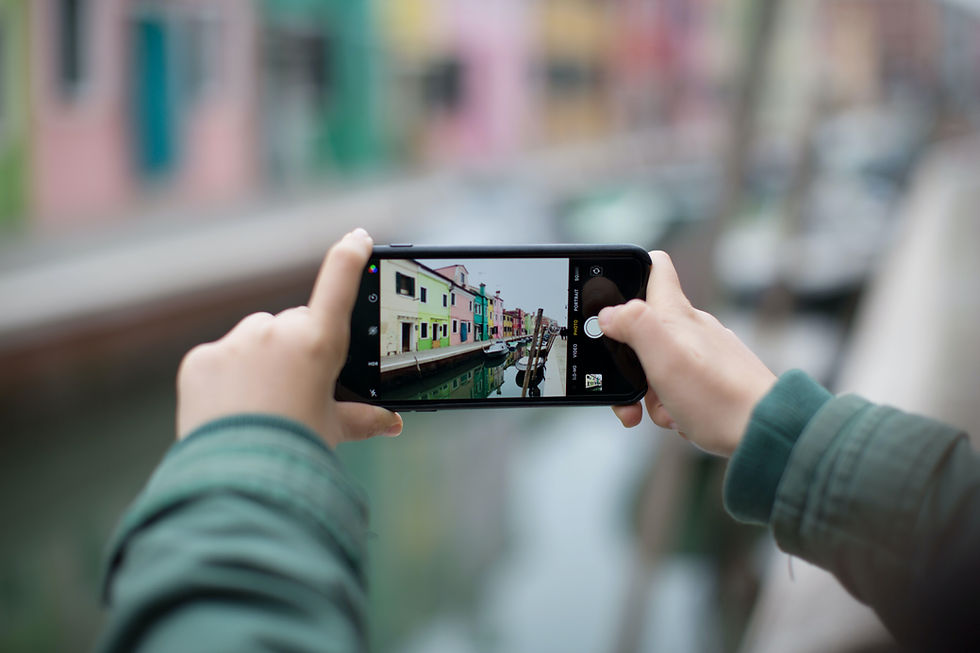
Top 5 iphone Camera tips
Whether you're shooting landscapes, portraits, or fast-moving subjects, these tips will help you create more professional-looking images with your iPhone
Taking great photos with an iPhone is easier than ever before, thanks to advancements in technology and the quality of cameras on newer models. However, there are a few secret tips and tricks that can help take your iPhone photography to the next level. Here are the top 5 secret iPhone photo tips:
Use the Grid Feature
The grid feature on your iPhone camera can be incredibly helpful in composing your shots. By turning on the grid in your camera settings, you can use the rule of thirds to create a more balanced and visually appealing image. The rule of thirds involves dividing your image into three sections horizontally and vertically, and placing your subject on one of the intersections of these lines.
Focus and Exposure Control
Did you know that you can manually adjust the focus and exposure of your iPhone camera? By tapping on the screen, you can select the area of the image you want to focus on, and then slide your finger up or down to adjust the exposure. This is especially useful when shooting in challenging lighting conditions, or when you want to create a specific effect in your photos.
Use Burst Mode
Burst mode is a great feature for capturing fast-moving subjects, such as sports or wildlife photography. By holding down the shutter button, your iPhone will capture a series of images in quick succession, allowing you to choose the best shot later. Burst mode is also useful for capturing candid moments or group shots, where you want to ensure that everyone is looking their best.
Take Advantage of Portrait Mode
Portrait mode is a newer feature on iPhone cameras that allows you to create a professional-looking shallow depth of field effect. By selecting portrait mode in your camera settings, your iPhone will use its dual-lens camera to create a blurred background behind your subject, making them stand out more. This is a great feature for portrait photography or for highlighting a specific subject in your image.
Experiment with Editing Apps
Lastly, one of the best things about iPhone photography is the wealth of editing apps available in the app store. These apps allow you to fine-tune your photos, adjust colors and contrast, and add creative effects. Some popular editing apps include VSCO, Snapseed, and Lightroom Mobile.
In conclusion, by using these top 5 secret iPhone photo tips, you can take your mobile photography to the next level. Whether you're shooting landscapes, portraits, or fast-moving subjects, these tips will help you create more professional-looking images with your iPhone camera. So, go ahead and experiment with these features and see the difference they make in your photography.